



The installation procedure is pretty standard and should not pose any
problems. Normally all your decompilers will be bundled with your copy of IDA and
installed together. In some special cases (for example, if your support plan for IDA has
expired but for the decompiler has not) you may receive a separate installer.
Below are the screenshots illustrating the most important installation steps in detail.
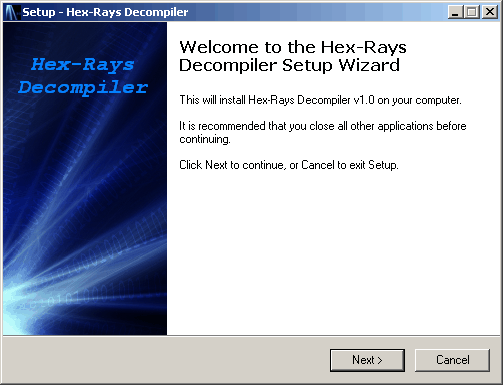
- Run hexrays_setup_....exe. The following initial screen should appear:
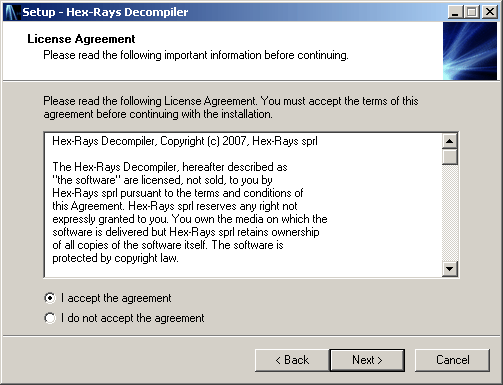
- Click next, read the license and accept it:
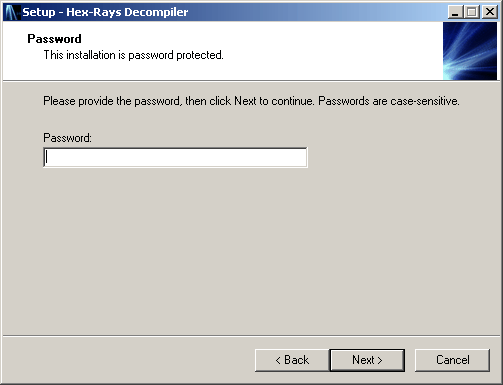
- Click next and enter the installation password. You can find it in the
email message about your order. We recommend to copy and paste it.
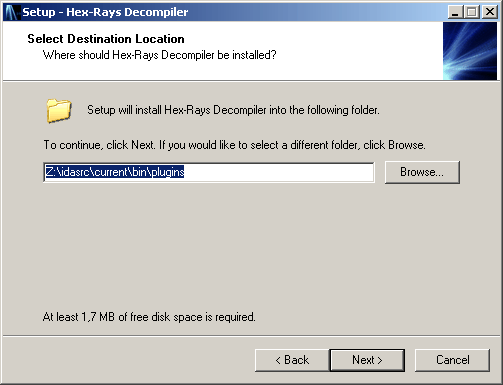
- Click next and specify the directory to install the plugin.
The directory to install in the "plugins" subdirectory of your IDA installation.
The setup tries to guess it but it can fail. In this case, click Browse and
specify the IDA directory. The setup will append the "plugins" subdirectory to
the selected path. If the specified directory is not an IDA directory, the setup will
display an error message.
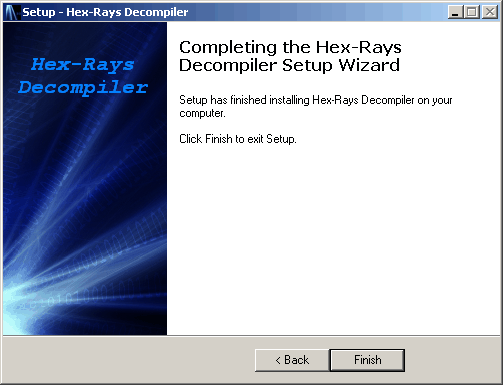
- Click next a few more times to install the plugin. At the end the following
dialog will be displayed:
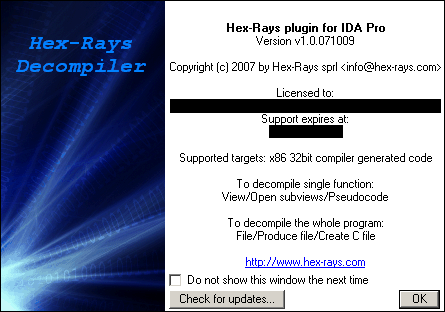
- Restart IDA and load any 32bit x86 file. The decompiler will display the following
splash screen:
- Congratulations, the decompiler is ready for use! Please take a few moments to verify
the automatic update setup, which will appear automatically if it was never configured on your computer.
You can manually open this dialog box too, using Help, Check for free update.
If you want, you can turn off the automatic updates but then you will have to manually request them for each new version.
- Renewals
In the future, you can get free updates during the support period using one of the following methods:- If you have configured automatic updates (see the previous point), IDA will periodically check for new versions and request them. You will just need to download the new version and install it as soon as you get a notification email from our server.
- In you have turned off automatic updates, use Help, Check for free update in IDA and click "Check for updates now".
- If your computer has no internet connection, use this page to request an update.